 amBX Revived
Screen ambient
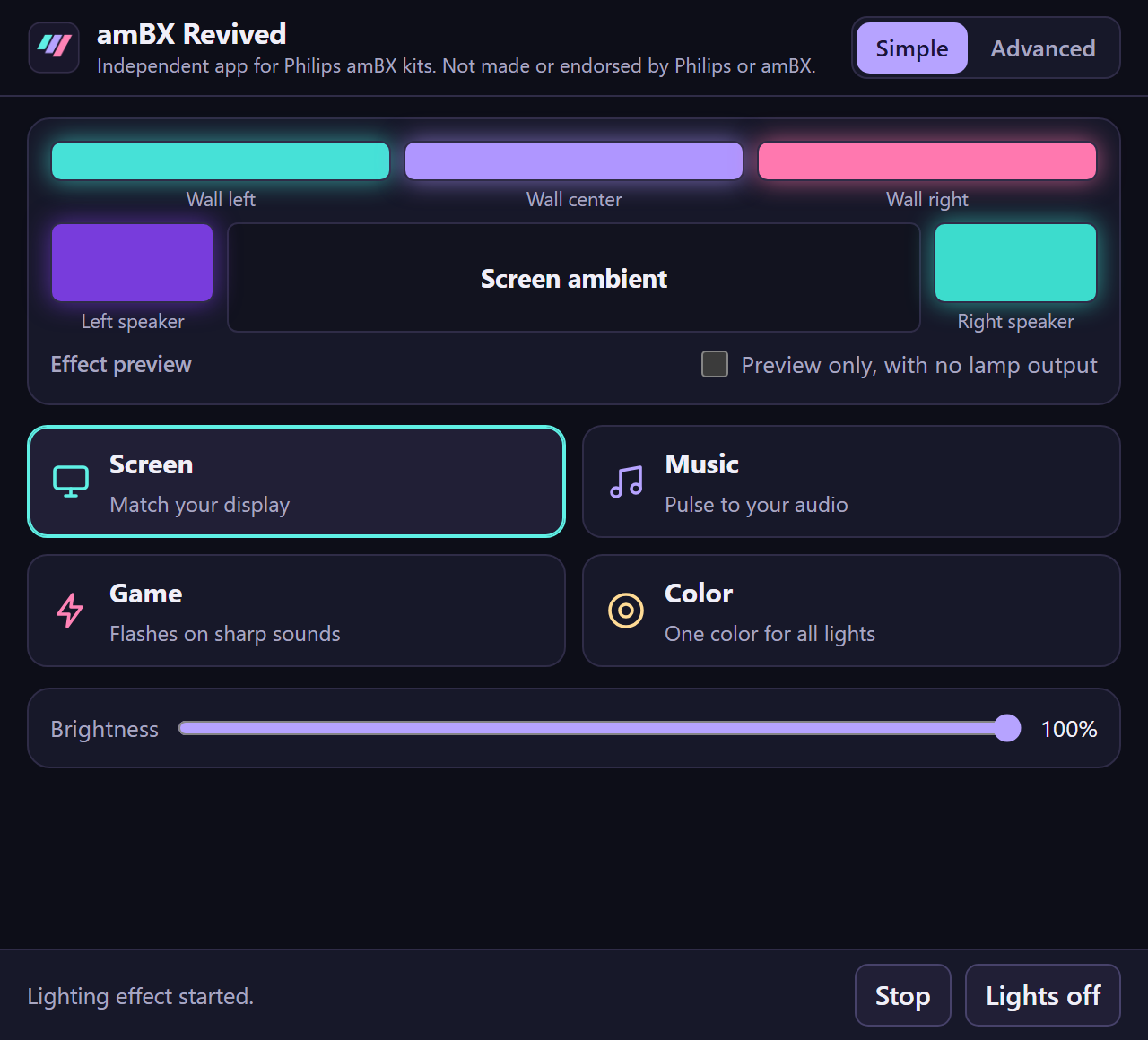
The lights follow the edges of the display you choose. Black bars in movies are ignored, and you set the brightness, saturation and transition speed.
amBX Revived is an independent Windows 11 app for the Philips amBX kit. It matches your lights to your screen, your music and your games.
The app drives all five zones of the kit: the left and right speakers, and the left, center and right wall lights.
The lights follow the edges of the display you choose. Black bars in movies are ignored, and you set the brightness, saturation and transition speed.
Bass, mids and highs drive the lights while the colors move through the spectrum. It works with any playback device, including Bluetooth headphones, or a microphone.
The lights flash on sharp sounds such as gunfire and impacts. You can listen to one game only, keep screen colors between flashes, and save a profile per game.
Set fixed colors, calibrate each lamp, and switch modes from the tray or with global shortcuts. Profiles can start by themselves when a game launches.
Lights only for now. The kit's fans and wrist rumble bar aren't supported yet.
No kit to hand? Demo mode shows every effect on screen.
There's no account, no analytics and no upload. Your screen and audio are turned into light colors, then discarded. Read the privacy policy.
Photosensitivity warning: Game Flash and other effects can produce flashing lights.